Anchors
Anchors have a specific location (x/y) and are identified via a name. They are used usually as a reference point for components.
Pro tips
- Add/edit anchors works with multi-source-editing
- Select all anchors by entering multiple times the short cut
⌘+afor Mac (orCtrl+afor Windows) - Show/hide anchor names via Glyph editor appearance
- Show coordinates via Glyph editor appearance
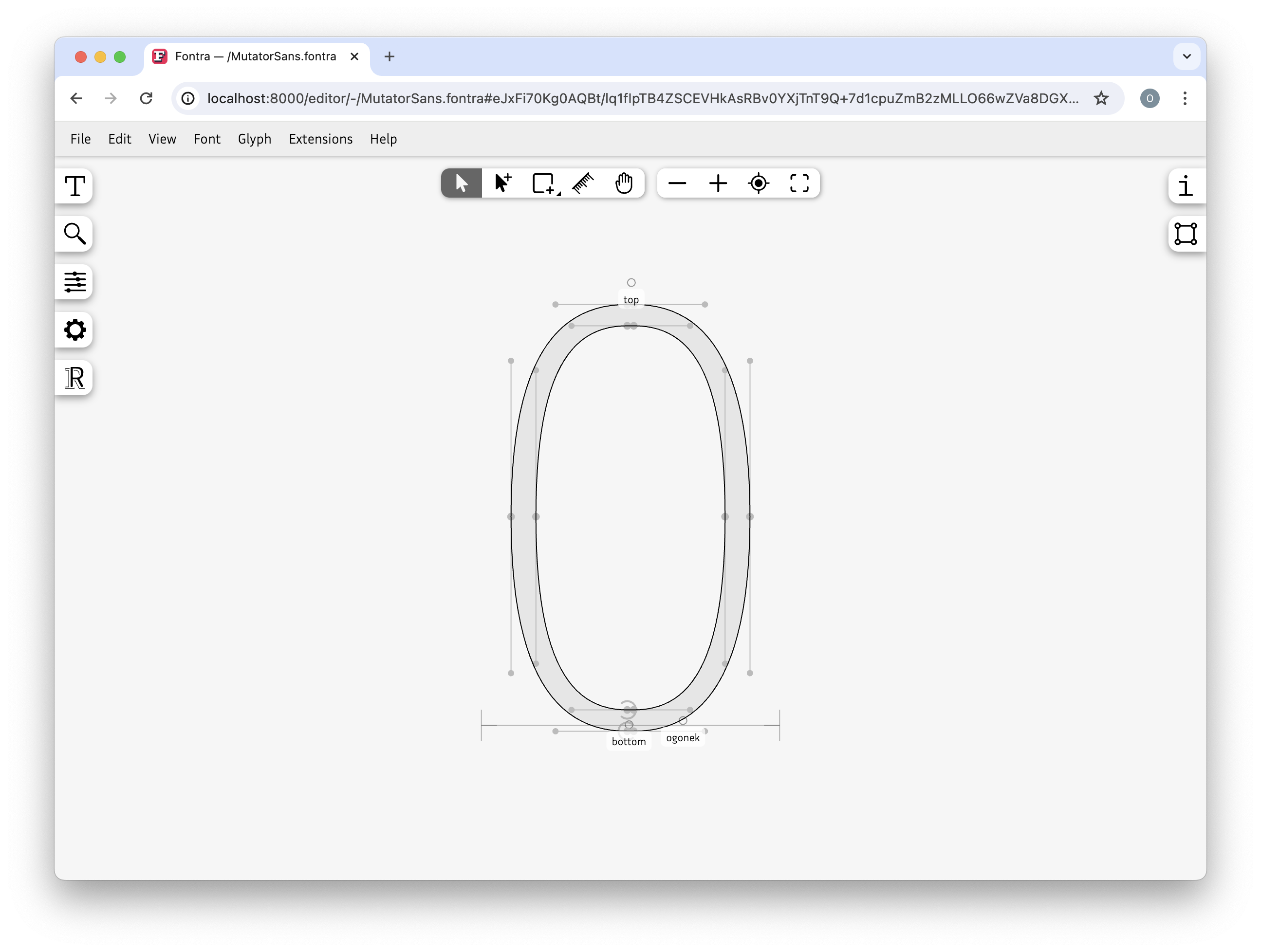
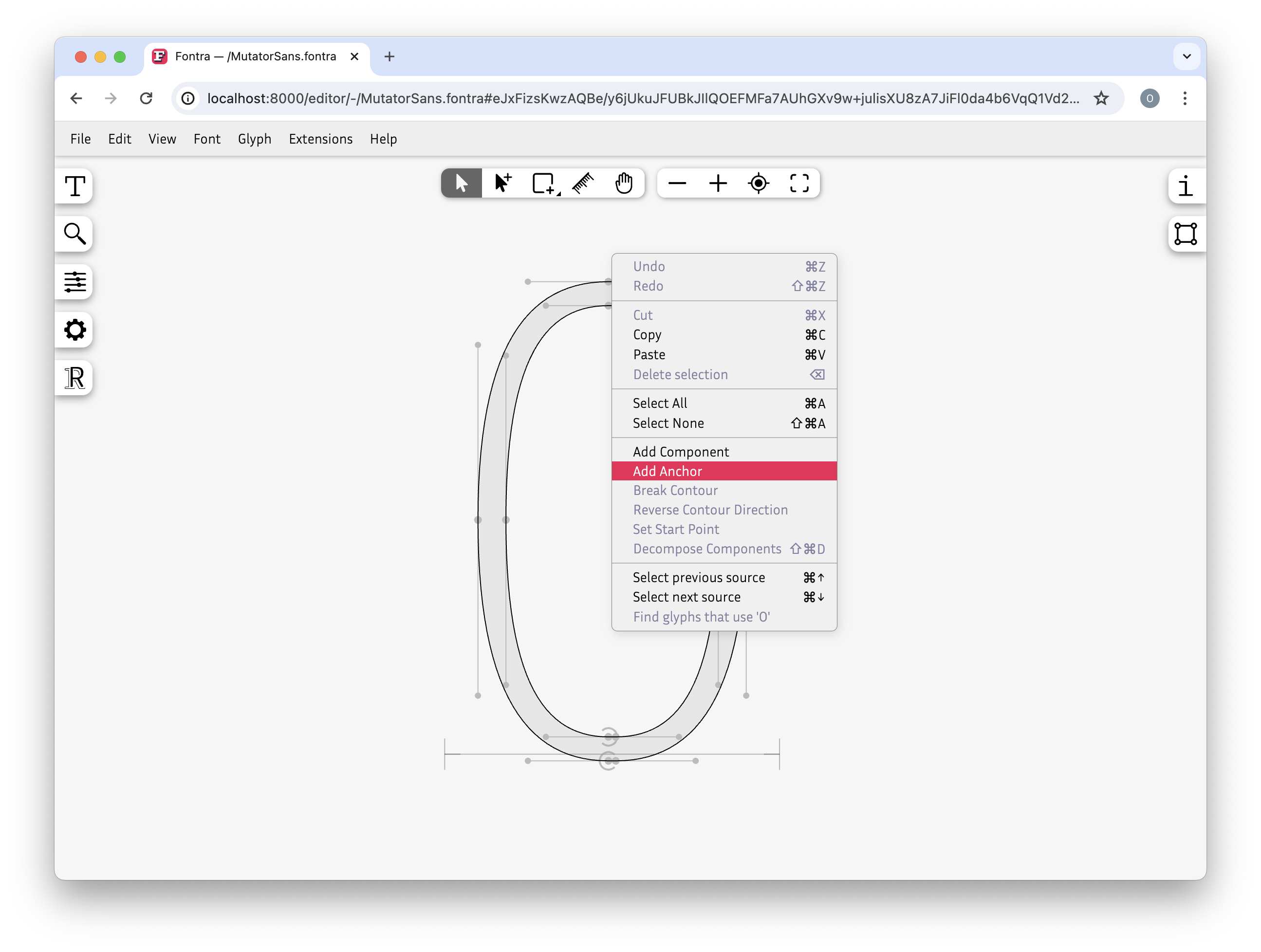
Add anchor
- right click where you want to add an anchor
- select add anchor
- enter name
- optinal: modify x and/or y
- click add
Edit anchor
- double click the anchor
- edit name, x or y value
- click edit

Delete anchor
- select one or more anchors
- delete via keyboard or right click context-menu delete selection
Show/hide anchor names
- go to Glyph editor appearance
- click Anchor names
Show/hide anchor coordinates
- go to Glyph editor appearance
- click Coordinates
- select anchor(s)
Actions
| Action | Description |
|---|---|
| right click + add anchor | adds an anchor |
| right click + add anchor (multi-source-editing) | adds an anchor to all sources, relative to the advance width |
| double click an anchor | edit anchor |
| double click anchor (multi-source-editing) | edit anchor in all sources, for example change anchor name in entire glyph |
Anchors introduction
Position Anchors (multi source editing)
with the help of Align and distribute objects